
Setup Guide
Ensure a seamless integration with the FTL Finance API by following our detailed guide below.
Setup
Get Staging Access: Reach out to FTL Finance for access to our staging environment.
Access Your Credentials: Once you have access, navigate through our API documentation to obtain your unique API key and Dealer ID.
Creating an application form
While the method you use to gather application data is up to you, the data must adhere to the specifications in the Create Application instructions. We recommend splitting the process into two primary sections: basic information and applicant information. While collecting info for a primary applicant is mandatory, obtaining details for a secondary applicant is optional but encouraged.
Basic Information
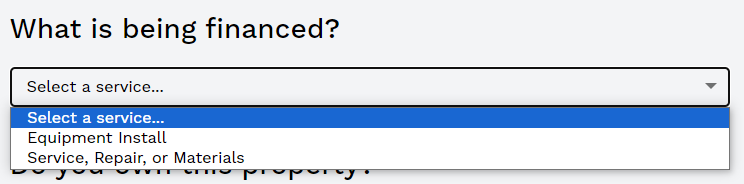
Question: "What is being financed?"
API Name: serviceType
Guidance: We need to know if they're financing equipment or not. We call this "service", and you can get the options from the Get Services endpoint. The endpoint returns labels and a corresponding key. Display these options in a dropdown menu.
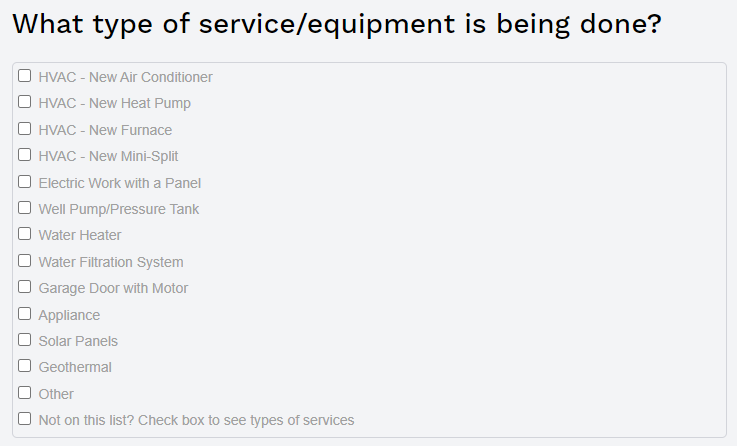
Question: "What type of service/equipment is required?"
API Name: subService
Guidance: This question should remain hidden until a service is chosen.
Invoke the Get Subservices endpoint to acquire a list of subservices linked to the chosen service. Allow users to select multiple subservices.
Question: "How much do you intend to finance?"
API Name: price
Guidance: Provide an input in the format of a dollar amount, enabling users to key in a figure with up to 2 decimal places. Validate the entered amount against the min/max limits of the selected service, displaying errors if the amount is out of range. For user clarity, indicate the permissible range, e.g., "Min: $300, Max: $35,000".

Question: "What's the project's property address?"
API Name: installationAddress
Guidance: This refers to the installation location or work site. Applicants must be the property owners.
Question: "Do you own this property?"
API Name: N/A
Guidance: It's imperative to pose this question to the applicant. Only proceed with the application if the answer is "yes". For "no" responses, display an error such as: "You must own the property to initiate an application." and halt the application process.
Applicant Information
Both primary and secondary applicants must furnish similar details. We advise initially presenting fields for the secondary applicant and allowing users to opt-out if needed. You'll send applicant info objects as applicant and secondaryApplicant
Question: "First Name"
API Name: firstName
Guidance: The homeowner's first name is a required field, it can not contain numbers or special characters.
Question: "Middle Name"
API Name: middleName
Guidance: The homeowner's middle name is an optional field, it can not contain numbers or special characters.
Question: "Last Name"
API Name: lastName
Guidance: The homeowner's last name is a required field, it can not contain numbers or special characters.
Question: "Suffix"
API Name: suffix
Guidance: The homeowner's suffix is an optional field. Example, it can not contain numbers or special characters "Sr.", "Jr.", "I", "II", "III", etc.

Question: "Email Address"
API Name: email
Guidance: The homeowner's suffix is a required field. The homeowners can not share the same email.

Question: "Mobile Number"
API Name: mobile
Guidance: The homeowner's mobile number is a required field. The homeowners can not share the same number. Formatted as (XXX) XXX-XXXX
Question: "I want to opt-in to receive SMS notifications from FTL Finance."
API Name: notReceiveSMSUpdates
Guidance: The homeowner has the option to opt in or out of the SMS updates. The default is to be opted in. If they decide to opt out, the field notReceiveSMSUpdates should be set to true.

Question: "Social Security Number"
API Name: ssn
Guidance: The homeowner's ssn is a required field. The homeowners can not have the same ssn.

Question: "Date of Birth"
API Name: dob
Guidance: The homeowner's date of birth is a required field. Formatted as MM/DD/YYYY.

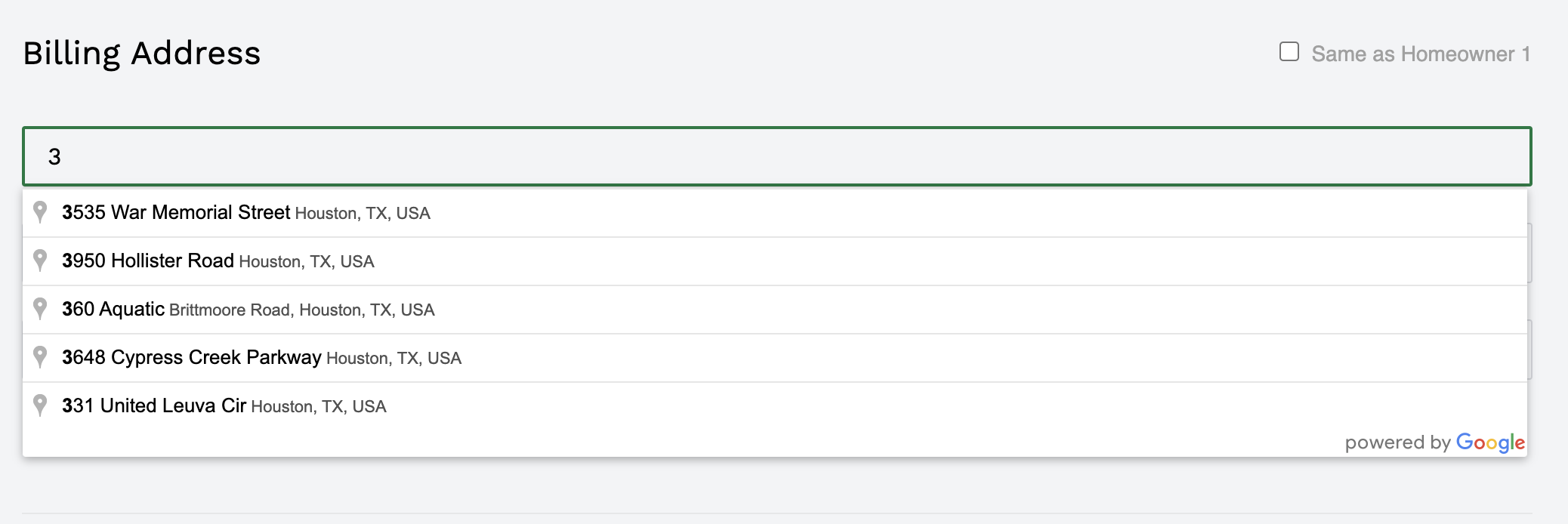
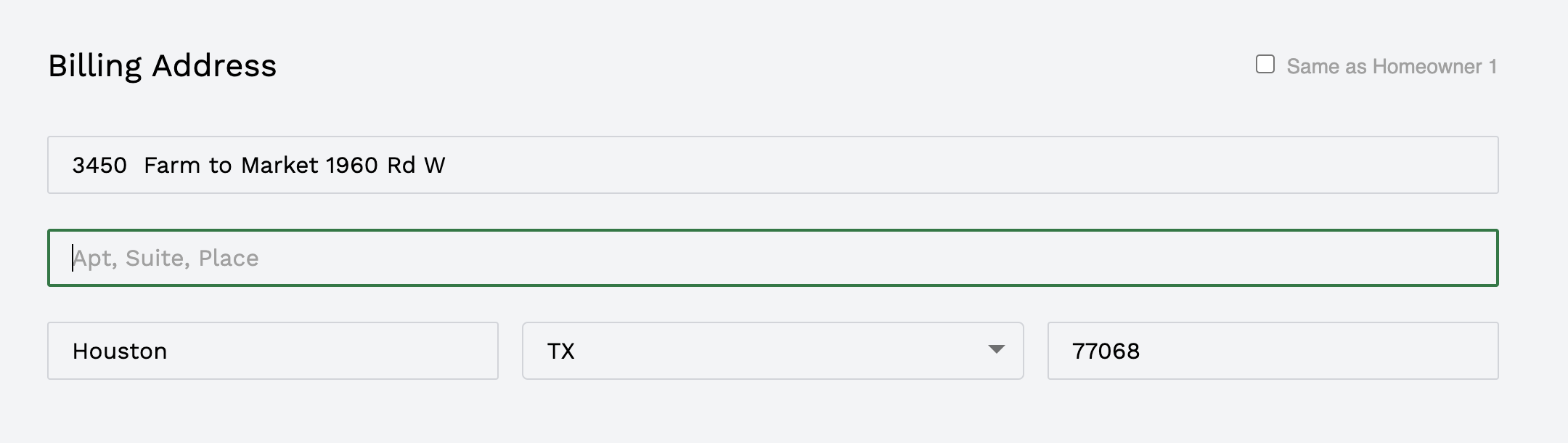
Question: "Billing Address"
API Name: billingAddress
Guidance: The homeowner's billing address is a required object field. Street Address, Street Address 2, city, state and zip are all strings. The state needs to be an acronym, (e.g: TX for Texas, MO for Missouri ), the zip code is only 5 digits long.
billingAddress { streetAddress, streetAddress2, city, state, zip }. We use google's auto fill api to avoid incorrect addresses.
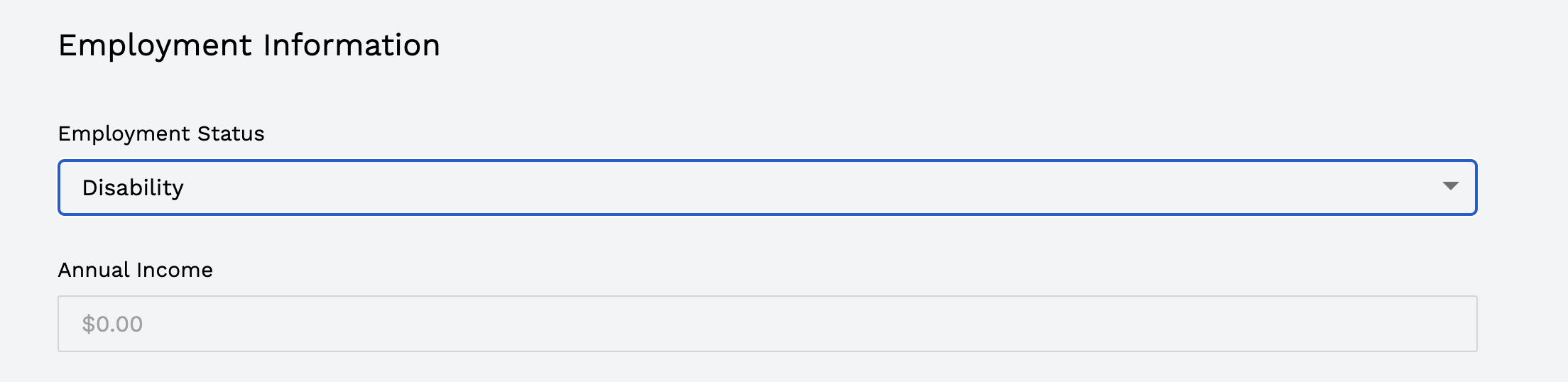
Question: "Employment Status"
API Name: employmentType
Guidance: The homeowner's employment status is a required field. The options could are as follows:
{ label: 'Employment Income', value: 'full-time' }
{ label: 'Retirement Income', value: 'retired' }
{ label: 'Disability Income', value: 'disability' }
Question: "Employer Name"
API Name: employerName
Guidance: The homeowner's employer name is a required field only if they selected full-time in the previous question.

Question: "Annual Income"
API Name: annualIncome
Guidance: The homeowner's annual income is a required field. It must be greater than or equal to 1.

Updated over 1 year ago